

“Right Inbox is like having a personal assistant. Couldn’t go without it anymore.”

PETER SIGURDSSON Business Owner, Iceland
This is everything I needed for my inbox! I was using Boomerang but this is a lot more intuitive.

JOEL FRIEDRICH Manager, United Kingdom
“Right Inbox is a tool you never knew you needed. I couldn’t go without it anymore.

WINIE KOSASIH Freelancer, Indonesia
Right Inbox is super convenient. I can’t imagine dealing with email without it.

TETSUFUMI FUKANO CEO, Japan

01
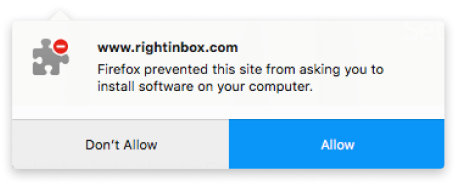
Click ‘Allow’ on the dialog box that popped up on top of your browser
Don’t see a new window? Click here 02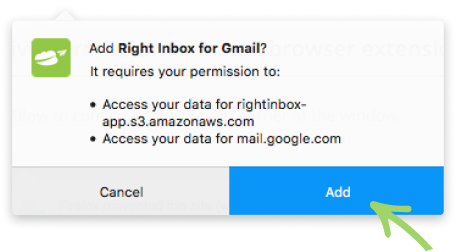

Confirm you want to `Add` Right Inbox to Firefox
03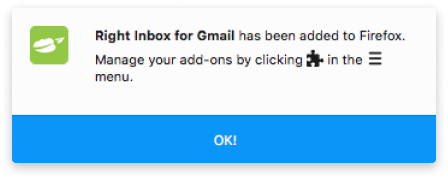
Right Inbox is now added to Firefox. You’re directed to Gmail to get started.